Start with the outfits you want
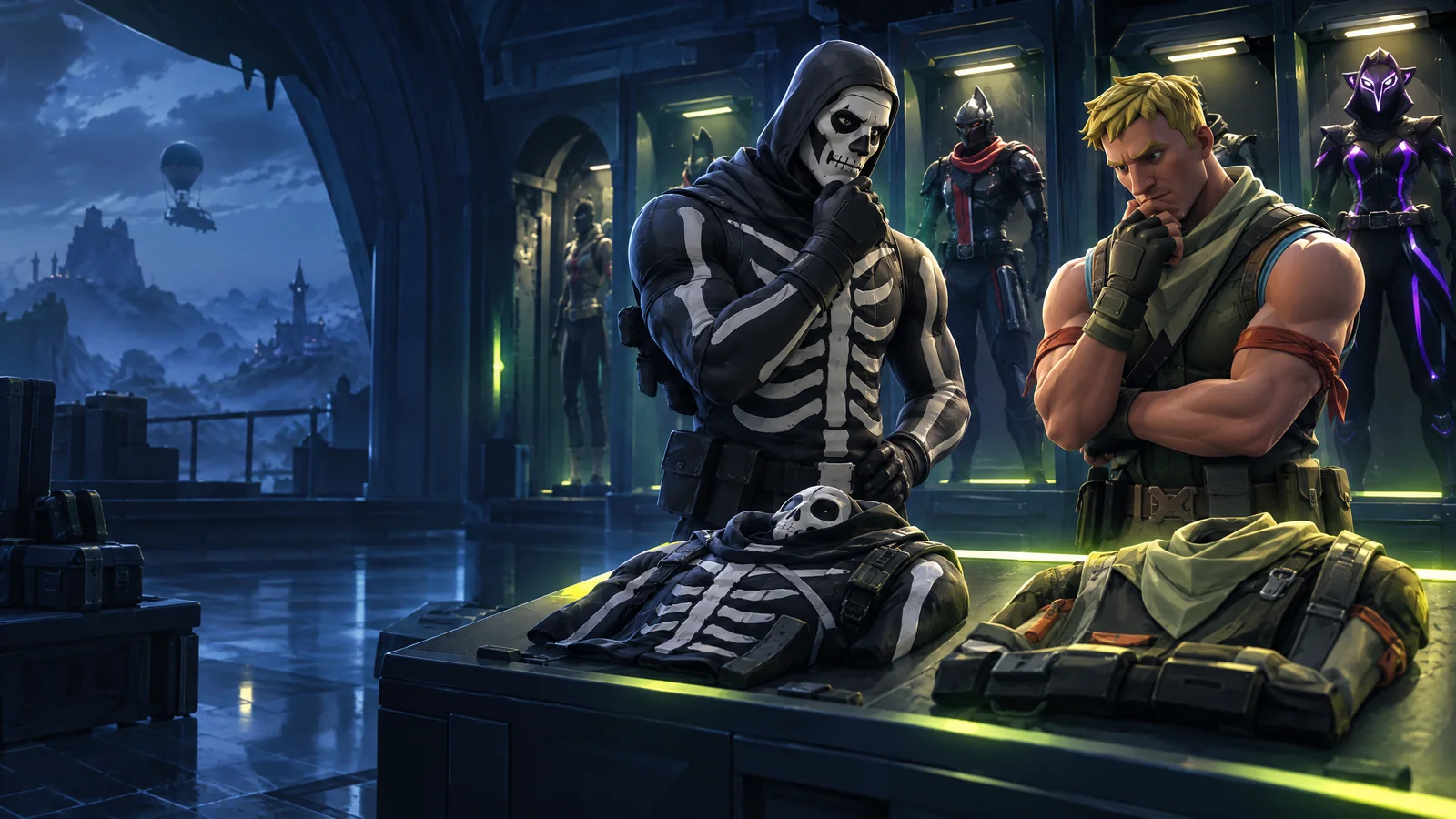
A large locker is useful when you want variety. A smaller locker can be the better deal when it contains the few outfits you actually plan to equip. Start with a short wishlist, then use skin count to compare the remaining choices. That gives the number a purpose instead of letting it make the whole decision.
Write down three must-have outfits and a few optional extras before browsing. Use exact names rather than descriptions such as the red superhero or the old knight. If a particular color or alternate appearance matters, record that separately. An outfit name and an unlocked style are two different checks.
Sources: [2]
Read the card, then the named inventory
The accs.io catalog shows a skin count and price so you can narrow a long list quickly. Open an account to inspect its disclosed outfit names and other inventory categories. A count summarizes quantity; the named inventory tells you whether the account matches your shortlist. If a name is not disclosed, keep it in the unknown column.
Treat the account image as a useful way to inspect the offer alongside the written details. Do not fill in a missing item because a familiar character appears in decorative game artwork. Compare pickaxes, gliders and emotes separately when a complete combination matters to you.
Sources: [1]
A worked comparison
The following numbers describe an illustrative comparison, not live accounts or a price forecast. Imagine your wishlist contains three specific outfits. Account A includes all three; Account B includes only one, despite its larger locker. The extra $7.00 buys more variety, but it does not solve the two missing wishlist items.
Neither choice is automatically wrong. A player who enjoys changing outfits every match may prefer B. Someone shopping for a particular combination may prefer A. Decide which experience you want before treating the larger count as an upgrade.
| Check | Account A | Account B |
|---|---|---|
| Price | $24.00 | $31.00 |
| Reported outfits | 120 | 220 |
| Must-have names disclosed | 3 of 3 | 1 of 3 |
| Specific style confirmed | Still to check | Still to check |
Separate value from access requirements
A useful wishlist match still has to fit how you intend to play. Keep platform-link information, email-related fields and the exact checkout amount beside your cosmetic comparison. Adding more skins cannot answer an unresolved access question. If console linking is essential, settle that question before comparing another fifty outfits.
You can use a minimum-skin filter to find a broad selection, then reduce it to two or three finalists. Write one sentence explaining why each finalist is worth its price to you. If that sentence only repeats the total, inspect the named contents again.
- Mark each must-have as disclosed, missing or unknown.
- Check any essential style independently.
- List the extras you would actually use.
- Compare the final account price and required capabilities.