Three related details, three different checks
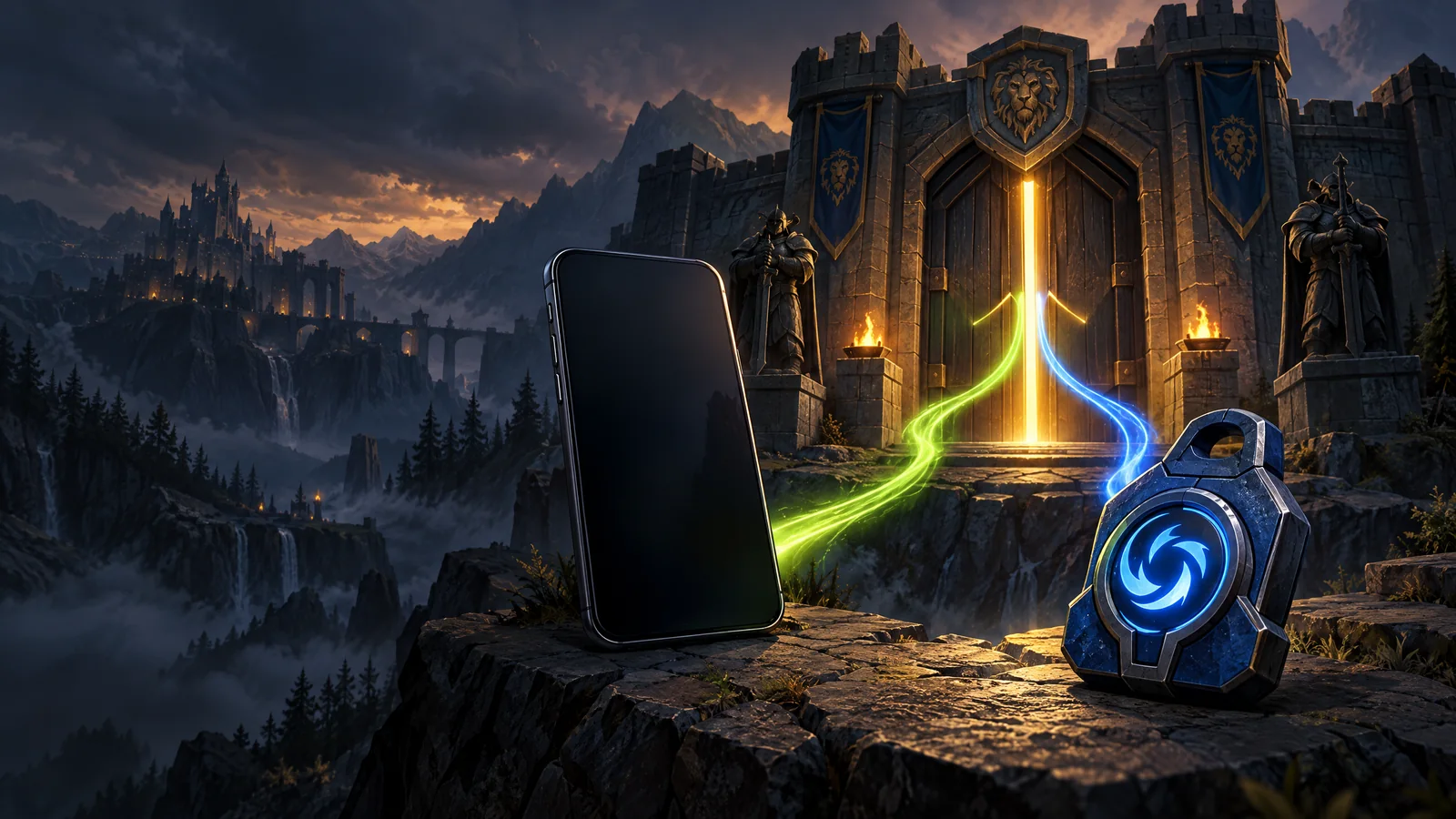
A phone number linked to Battle.net and a Battle.net Authenticator are not the same thing. The Authenticator supplies an additional login approval through the Battle.net mobile app. Phone notifications use a supported text-capable number for certain account actions and alerts. Neither label alone proves that you can access the device or number already associated with an account.
When an account listing reports a mobile link, read it as a recorded state. It is not a promise that the phone is included, that you can receive its messages, or that a replacement number will be accepted. Those are separate questions to settle before relying on that channel.
Map the sign-in path before changing it
Write down the channels a login or settings change actually requests. This is a planning exercise; do not post the resulting private details in a public comment or put codes in the worksheet. Record only whether you can use each channel.
| Channel | Question to answer | Useful evidence |
|---|---|---|
| Account password | Can I sign in through the official site? | A successful current login |
| Can I receive the requested confirmation? | Access to the delivered mailbox or supported code route | |
| Phone | Can I receive messages on this number? | Your own working confirmation channel |
| Authenticator | Can I approve a login on the configured device? | A successful approval through the official app |
Read an absent phone field honestly
A missing phone field is not the same as a statement that no phone is linked. Similarly, “mobile linked” does not tell you whether an Authenticator is active. Keep unknowns visible in your comparison instead of converting them into whichever answer makes a listing more attractive.
The most useful purchase question is concrete: which verification step would stop me from using the account as described? If access to a particular phone channel is essential to your plan and the listing does not establish it, do not count that capability as included. A larger game library cannot resolve an unrelated confirmation requirement.
Sources: [3]
Use the current app and the current prompts
Blizzard moved the Authenticator into the Battle.net mobile app; instructions centered on installing the old standalone Authenticator are outdated. Start from Blizzard’s official app links and account security page. Follow the steps presented to your signed-in account instead of copying a sequence intended for somebody else’s device history.
Phone eligibility and recovery requirements can depend on the current platform prompts. This guide does not promise that every number, region or account will qualify. If a confirmation channel is unavailable, preserve your working access and use the relevant official support or accs.io order-support path rather than repeatedly removing and reattaching methods.
Recognize what notifications can establish
A notification can alert you that something changed. It does not, by itself, identify who made that change. If an access problem occurs, keep the time, the exact message and the sequence of steps you attempted. Those details are more useful than guessing which person or device was responsible.
Never send a new password, Authenticator secret or recovery code with a support explanation. Describe the blocked operation and the channel requested. That gives support a usable account of the problem while keeping the information needed to sign in private.
Sources: [2]